Import from Zendesk
Switching from Zendesk doesn't mean starting from a blank inbox. The importer brings your history across, so a returning customer's context is already there.
What you can bring across
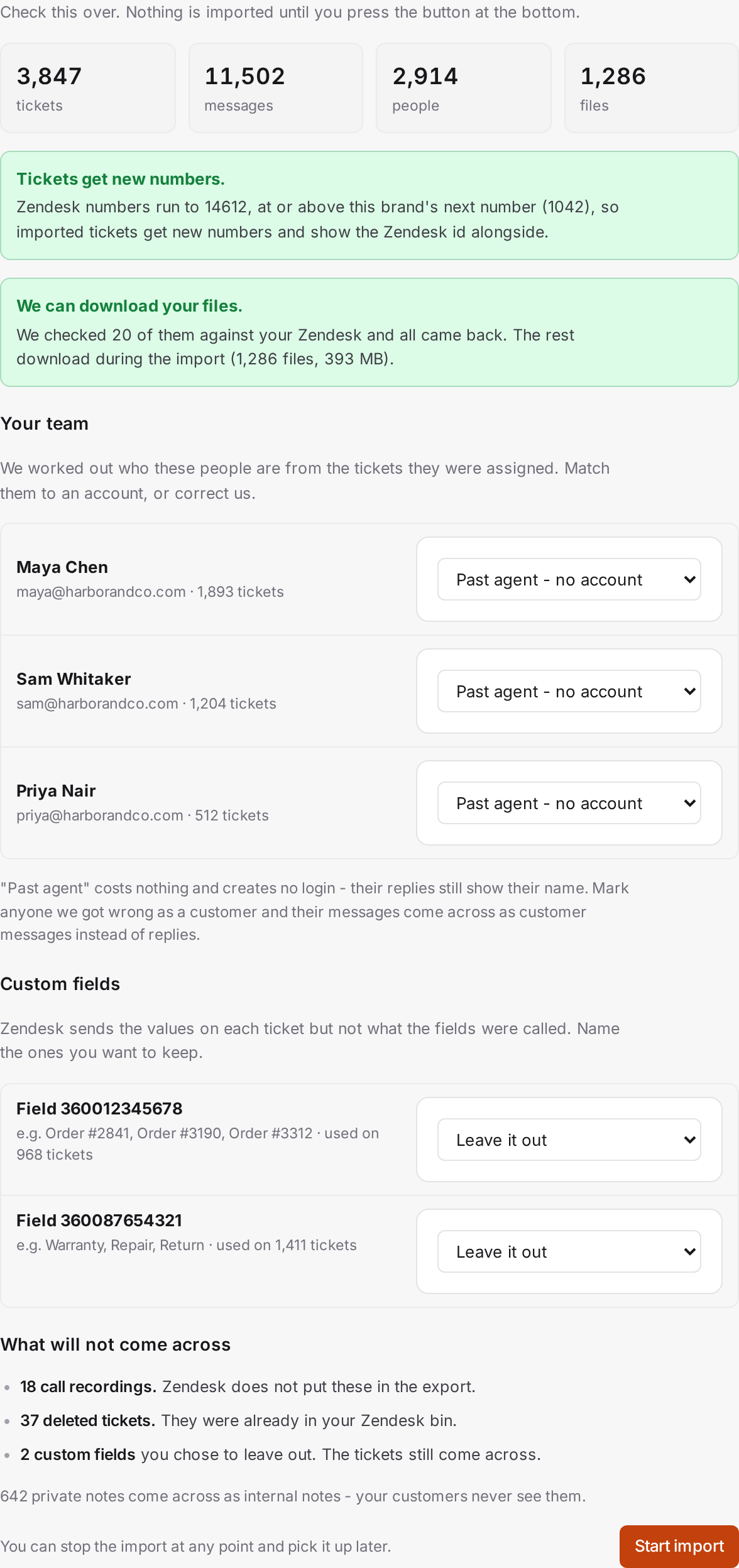
The bulk import brings a brand's ticket history: the tickets themselves, every conversation on them including internal notes, the contacts they belong to, and their attachments. Help-center articles come across separately through the article import.
Two ways to run it
You can upload the export files from Zendesk, or connect your Zendesk account and let AllMy Support pull your history over its API. Both routes end in the same place: you preview what's coming, map it to a brand, and watch the run until the report. The bulk import guide covers the steps and the pitfalls.
Ticket numbers still work
Every imported ticket keeps its Zendesk number on record. It's shown on the ticket and it's searchable, so when a customer writes in about "ticket 14502", you can find it. New tickets carry on with your brand's own numbering.
Customers who sign in to the portal
If the brand runs a customer portal, a customer who exists in your Zendesk but has not written to you since the switch still gets their history. The first time they sign in, their Zendesk history is pulled in behind the scenes, so their past tickets fill in rather than staying empty.
To move a whole brand's history, start with the bulk import guide, and read the pitfalls section before you cancel your Zendesk subscription.