Add a brand
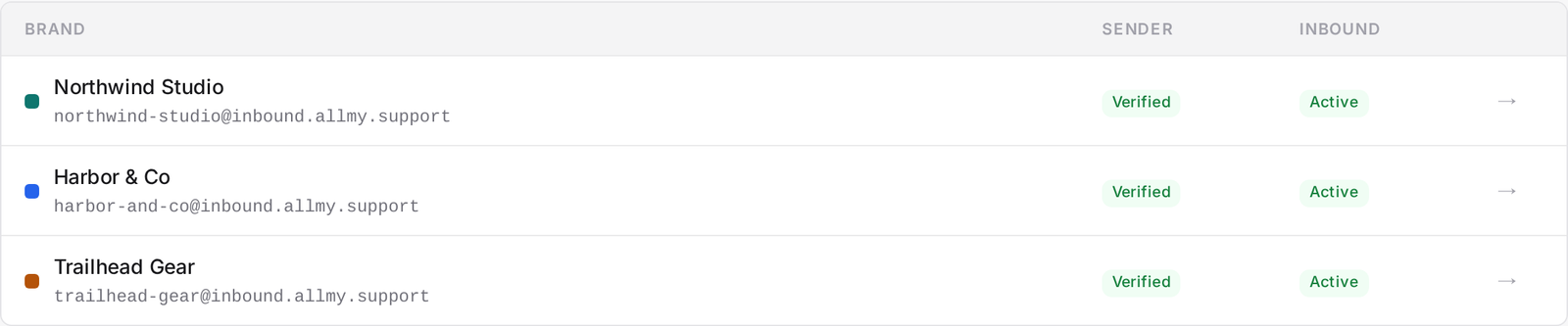
A brand is a customer-facing identity: a company or product your team supports under its own name. You can add as many brands as you need. Brands are unlimited and free; you only pay per agent.
What's independent per brand
Nothing bleeds across brands. Each one has its own:
- Inbound support address
- Outbound sender identity (your SMTP connection)
- Default signature
- Ticket numbering, starting at #1000
- SLA targets (first reply and next reply)
- Automations
- Accent colour
To add a brand
- Go to Settings → Brands → New brand.
- Name it and set its slug and accent colour.
- Note its default inbound address,
<slug>@inbound.allmy.support. - Next, connect your SMTP and route your support email in. See Connect your SMTP and Route email in.
Working across brands
Your inbox shows tickets from every brand at once, with a brand pill on each row so you can tell them apart at a glance. Use the brand filter to narrow the view to one brand, or leave it on all.