Knowledge base
A knowledge base is a set of help articles you publish to a public site for a brand. Customers can search it and answer their own questions, which means fewer of the same emails in your inbox.
Articles, categories, and tags
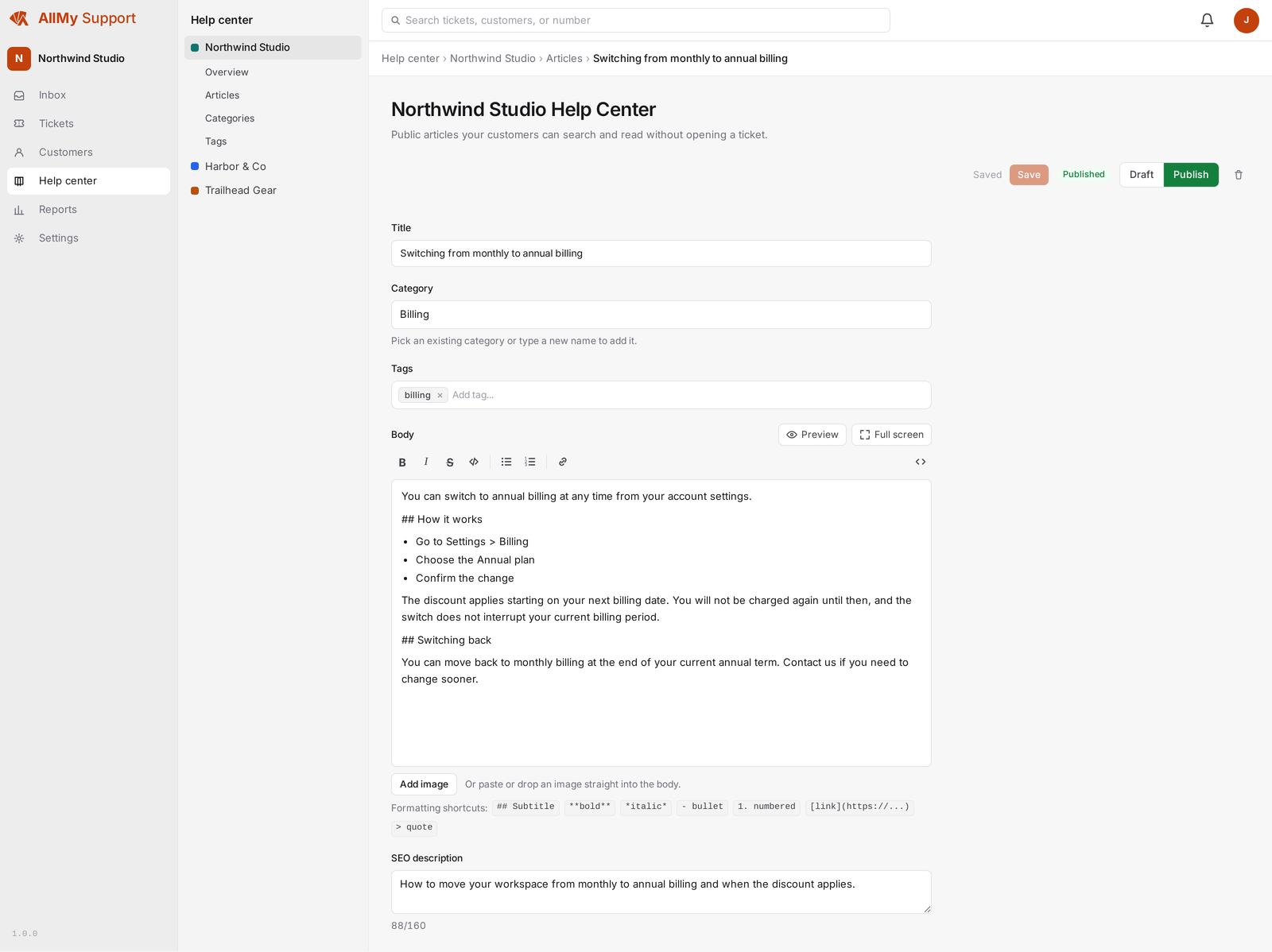
Each brand has its own articles. Group them into categories and add tags so they are easy to find. You write and format an article in the app and preview it before it goes live.
The public help site
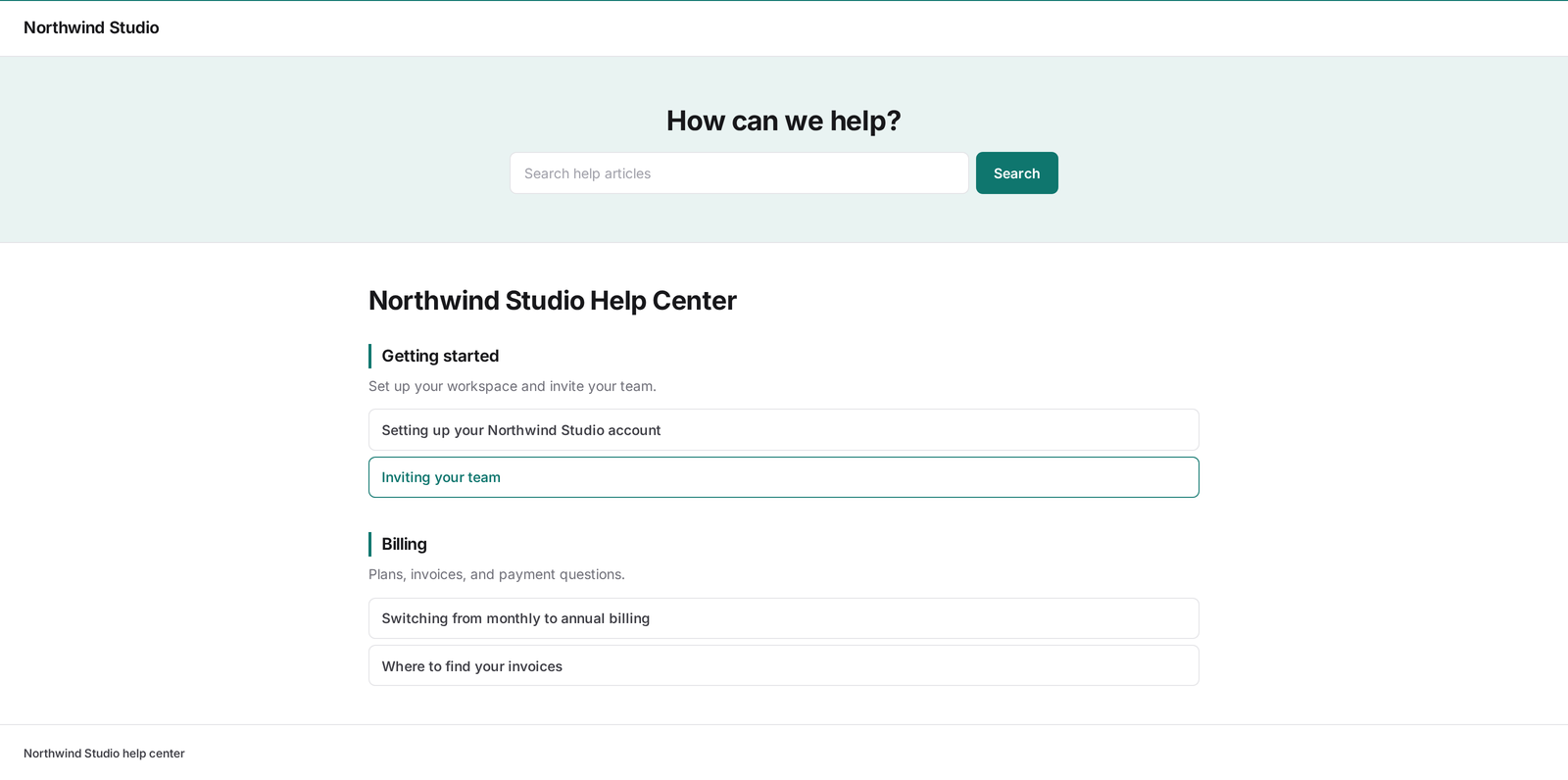
Published articles appear on a public help site with a home page, category pages, article pages, and a contact page. Visitors can search it. Long articles get in-page section links, so you can send a customer straight to the right part of an article.
The contact page is a form, and a submission is confirmed before it reaches you. The visitor gets an email asking them to confirm, and the ticket is created when they click it. Nothing exists in your account until then, so unconfirmed junk never lands in your inbox. The same step protects the website widget.
Your own domain
Serve the help site on your own domain for each brand. We set up the certificate for you, so the site loads over HTTPS on your address, not ours.
Sharing the address with the portal
Your help site and your customer portal live at the same address for a brand, and a custom domain covers both. With both switched on, your articles stay at the front and a sign-in link appears in the header. With the knowledge base off and the portal on, the address serves the portal instead, so a brand with no articles can still let customers sign in.
Import from Zendesk
If you already have a Zendesk help center, you can import those help center articles instead of retyping them, then edit and publish from here.
With the portal off, the help site is just self-service articles: customers read and search it, and reply to you by email.