Shared inbox for small teams
One inbox your whole team works from.
Your support address stops being one person's problem. Every message becomes a ticket someone owns, so nothing sits unanswered because two people each assumed the other had it.
14-day free trial • No credit card needed
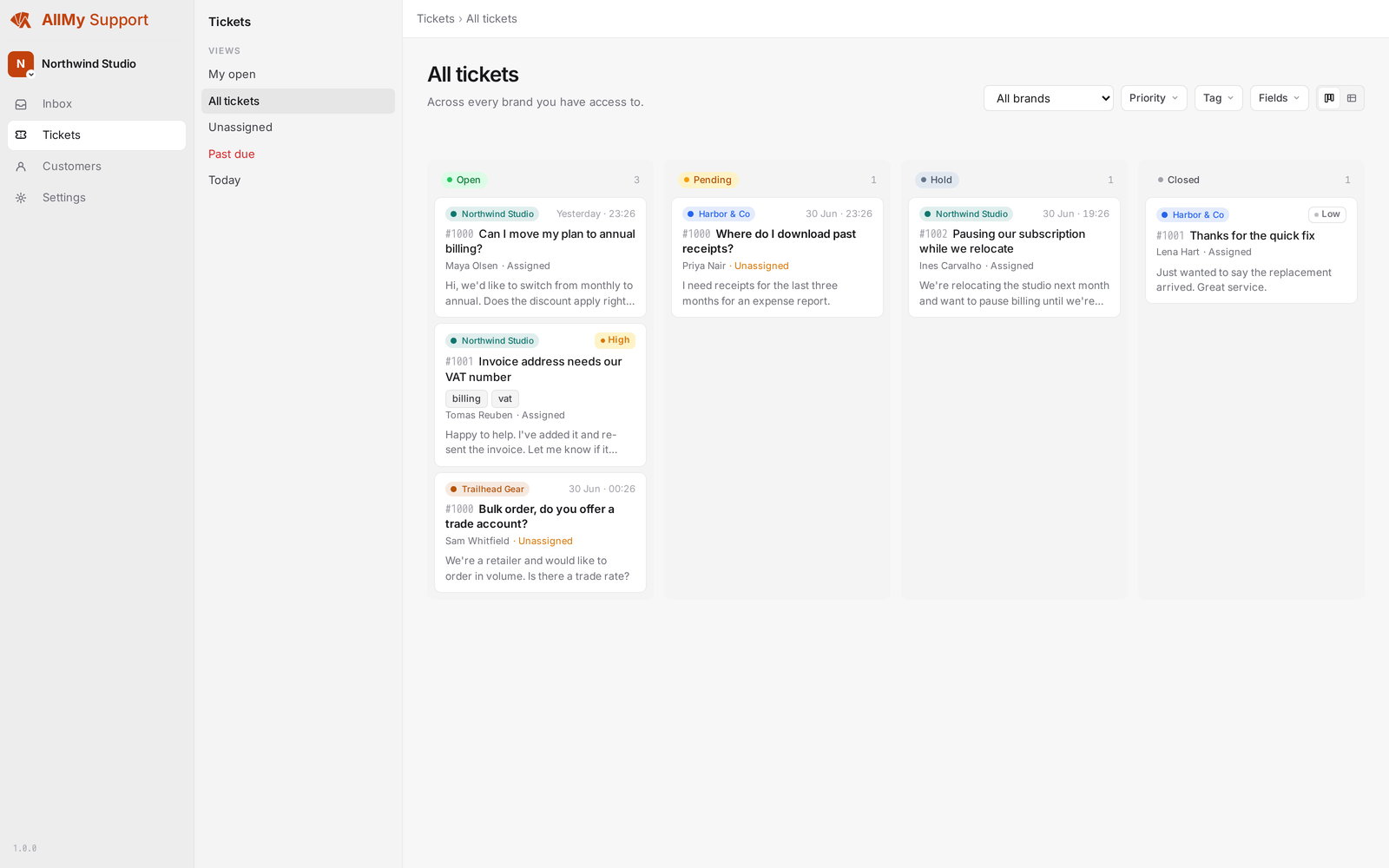
Everyone sees everything
One queue for the whole team. No forwarding chains, and no asking in a separate chat whether anyone has picked this up.
Nobody answers twice
You can see when a teammate already has a ticket open and when someone is writing a reply, before you start typing your own.
Replies come from you
Answers go out from your own address, with your own signature, through your own SMTP account. Never a noreply.
What a shared inbox needs
The parts that stop a team of three tripping over each other in one mailbox.
Assignment and the unassigned queue
Give a ticket to someone and it is theirs. Anything nobody has picked up stays visible to the whole team instead of quietly ageing.
Status filters
Filter to open, pending, closed, unassigned, or new. A customer reply flips a ticket back to open on its own.
Internal notes and mentions
Leave a note only your team can see, and mention a teammate to pull them in. The customer never sees any of it.
Saved replies
Keep the answers you type every week. Personal, per-brand, and company-wide, so nobody retypes the same paragraph.
Saved views
Save the filter combination you open every morning as a named view. Keep it to yourself or share it with the team.
Reply from your own email client
Answer the notification from wherever you read mail. We check the sender is an agent, strip the quoted history, and thread it back onto the ticket.
A shared inbox that is already a helpdesk.
SLA clocks, a knowledge base on your own domain, satisfaction surveys, and a customer portal are in the same plan. Outgrowing the mailbox does not mean moving everything again.
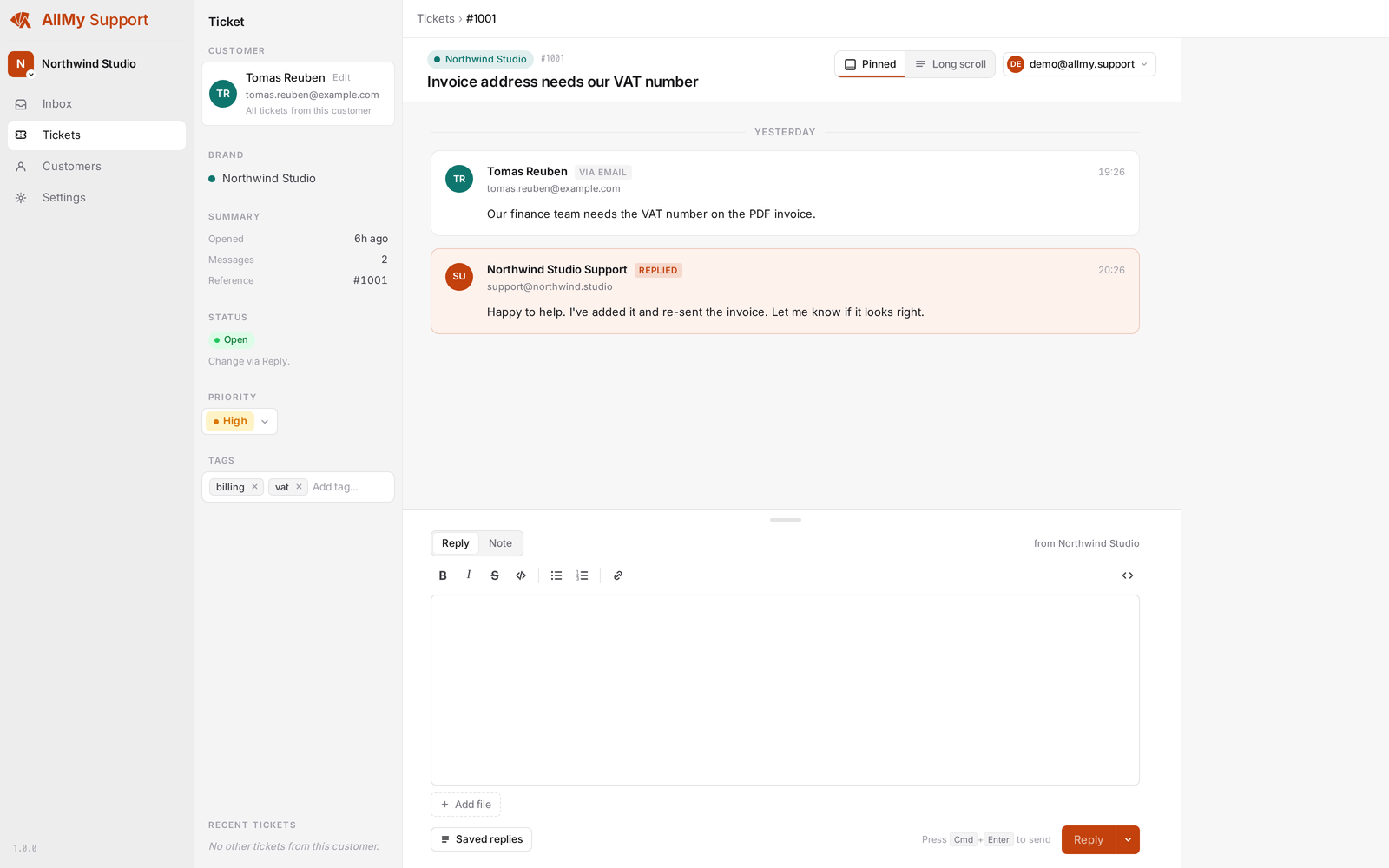
Every message keeps its thread
Customer, brand, status, and priority sit beside the conversation, so whoever picks the ticket up has the context without asking.
Moving off a shared mailbox
Forward your support address
Point support@ at us and incoming mail starts becoming tickets. Your address does not change, and neither does anything your customers do.
Work one queue
Assign, prioritise, tag, and answer from the same place. Reply in the app or from your own email client, whichever you already live in.
Answer the repeats once
Publish the questions you keep answering to a help site, so the mail that reaches the queue is the mail that needs a person.
Get out of the shared mailbox.
Setting up takes about five minutes. Forward your support address and see how the queue looks with owners on it.
Start your free trial