Quick start
You can go from signup to your first reply in about five minutes. There are five steps: create your account, add a brand, connect SMTP, route your support email in, and reply to your first ticket. Each one links to a page with the full detail.
- Create your account. Sign up at
app.allmy.supportwith email and password, or with Google. See Create your account. - Add your first brand. Give it a name and you're set up with a default
<slug>@inbound.allmy.supportaddress. You'll connect your real support address later. See Add a brand. - Connect your SMTP. This is what lets replies send from your own address instead of a shared one. See Connect your SMTP.
- Route your support email in. Forward
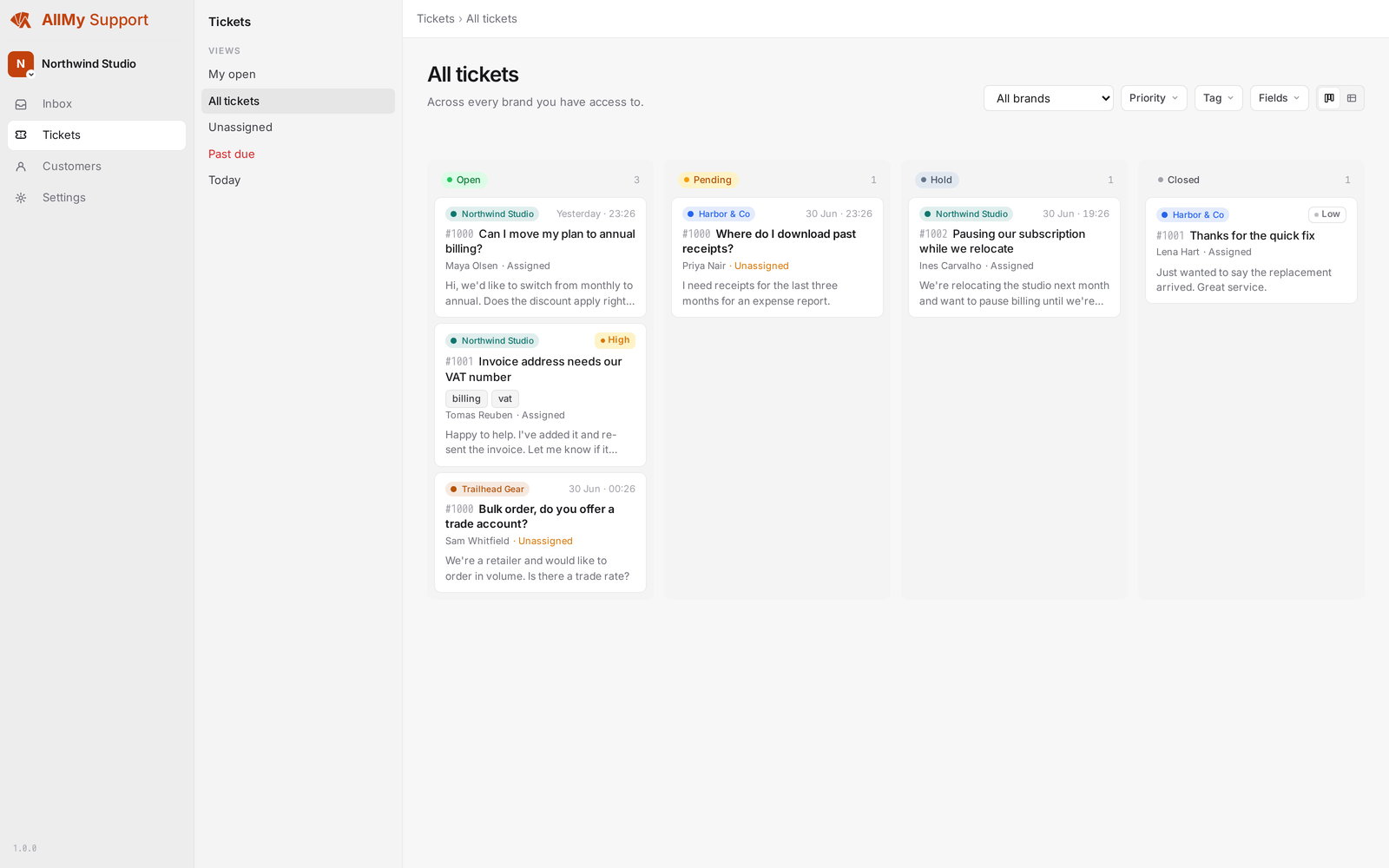
[email protected], or use the brand's default<slug>@inbound.allmy.supportaddress to start. See Route email in. - Send a test email in. It shows up as a ticket in your inbox. Open it and reply. See Working the inbox and Replying to tickets.
Tip: You don't need your real domain live to try this out. Send a test message straight to your brand's default <slug>@inbound.allmy.support address, then switch your real support address over once everything works.