Replying to tickets
You can reply to a ticket two ways: in-app, or by email from whatever mail client you already use. Both post to the same ticket and go out through the brand's own SMTP connection.
Reply in-app
Open a ticket and the composer gives you rich text: bold, lists, links, and code. Paste in inline images or attach files up to 25 MB. Pull in a saved reply from the picker instead of typing from scratch. The Reply / Note toggle at the top of the composer switches between a customer-facing reply and an internal note.
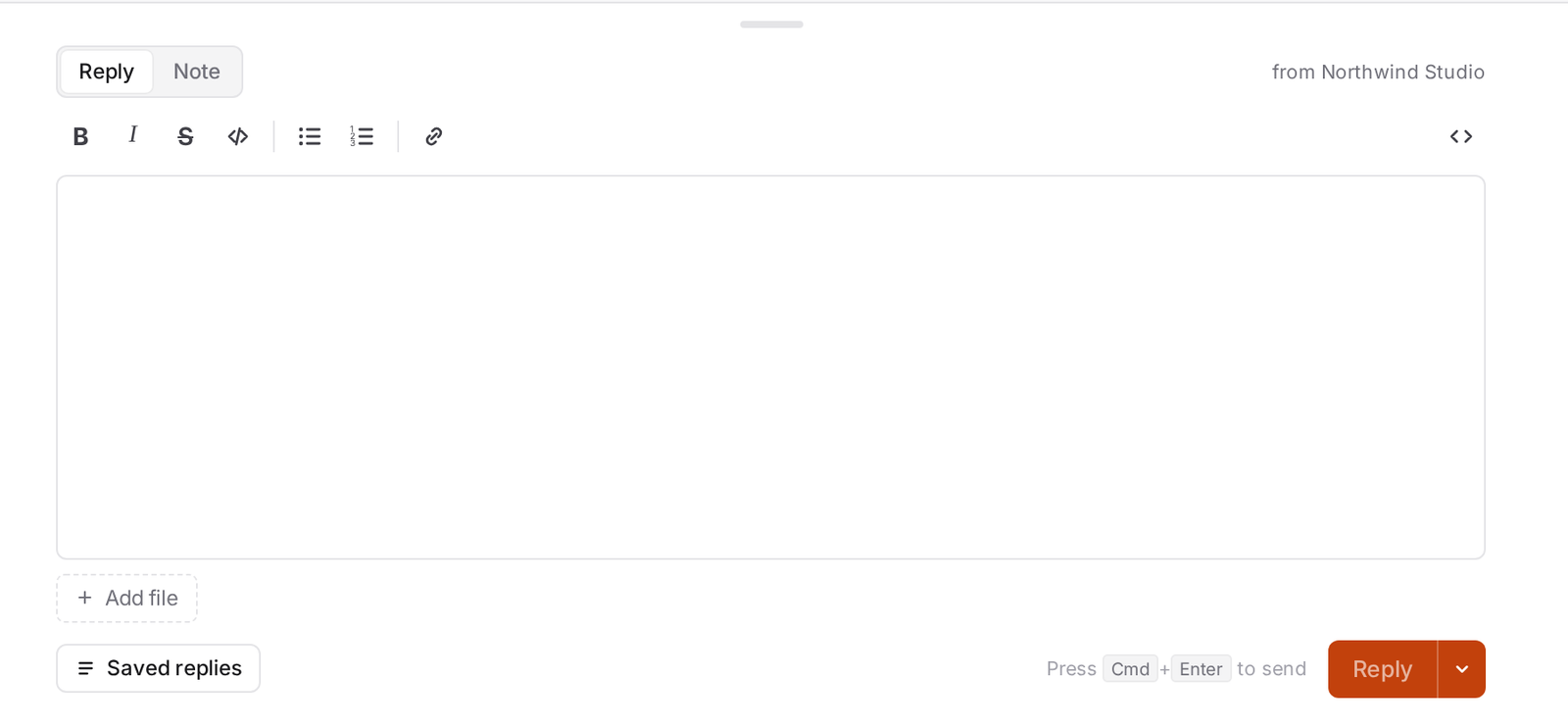
To reply in-app
- Open the ticket.
- Type your reply, or insert a saved reply.
- Click Send, or Send & close.
Reply by email
Every agent notification carries a private reply-to token, so when you reply from your phone or a personal Gmail account, AllMy Support still posts your reply to the right ticket and attributes it to you. Quoted history in your reply is stripped automatically, so the ticket stays readable.
To reply by email
- Open the notification in your mail app.
- Reply above the marked line.
- Send. It posts to the ticket and reaches the customer.
Signatures
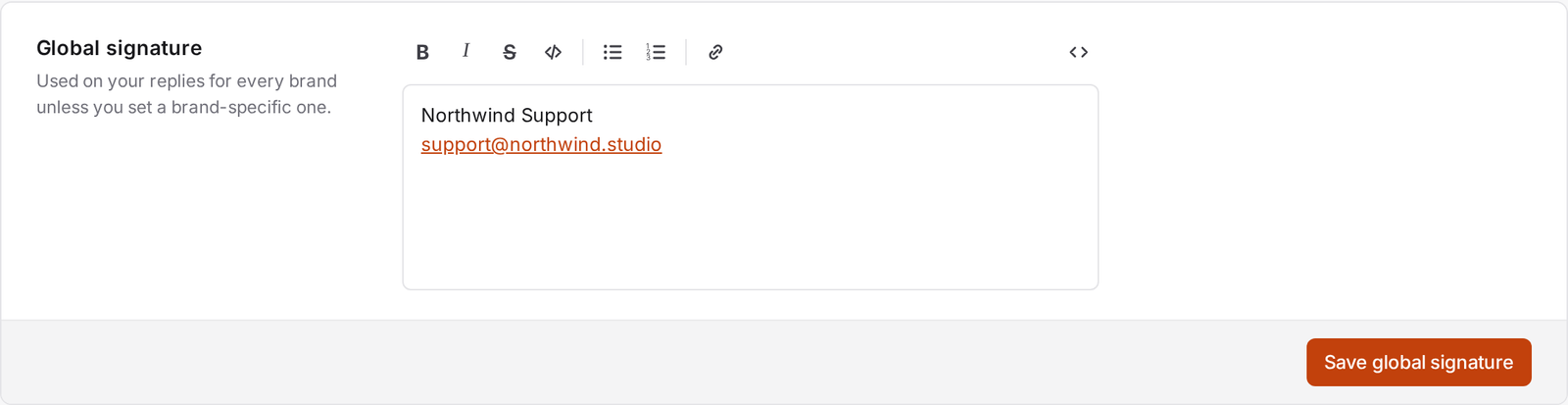
AllMy Support resolves your signature in order: your signature for this specific brand, if you've set one, then your global signature, then the brand's default signature. Edit yours in Account → Signatures.
Delivery status
Every reply you send shows whether it went out. A failed send shows the reason on the ticket, with a retry action right there.
No reopen window: any customer reply on a pending, hold, or closed ticket flips it back to open, no matter how old the ticket is. There's no cutoff after which a reply starts a fresh ticket instead.