Working the inbox
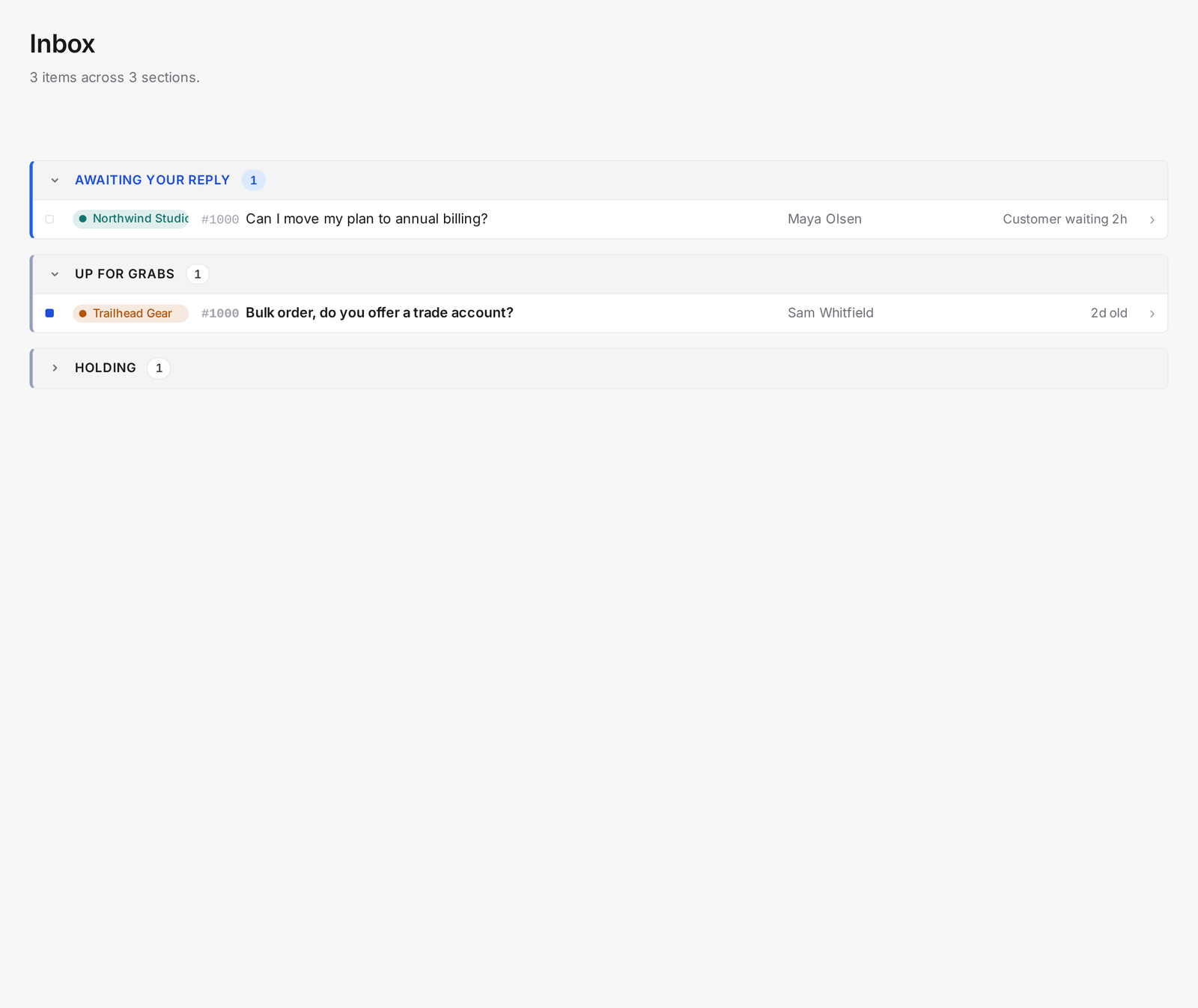
The inbox at /inbox is not a dashboard. It's a priority queue: AllMy Support sorts every ticket you can see into six sections, ordered top to bottom by how urgent it is.
The six sections
- Overdue. Assigned to you, awaiting your reply, past the brand's SLA.
- Review hold. Your hold tickets whose chase date has arrived.
- Awaiting your reply. Assigned to you, not yet breached.
- Up for grabs. Unassigned and unread.
- Holding (collapsed). Your hold tickets whose chase date is still ahead.
- Awaiting customer (collapsed). Your pending tickets.
Each row shows a brand pill so you always know which brand a ticket belongs to. A filled square marks a ticket unread; a hollow square marks it read.
To work your queue
- Start at the top: clear Overdue, then Review hold.
- Claim tickets from Up for grabs before they age.
- Use the brand filter to focus on one brand, or leave it on all.
The /tickets views
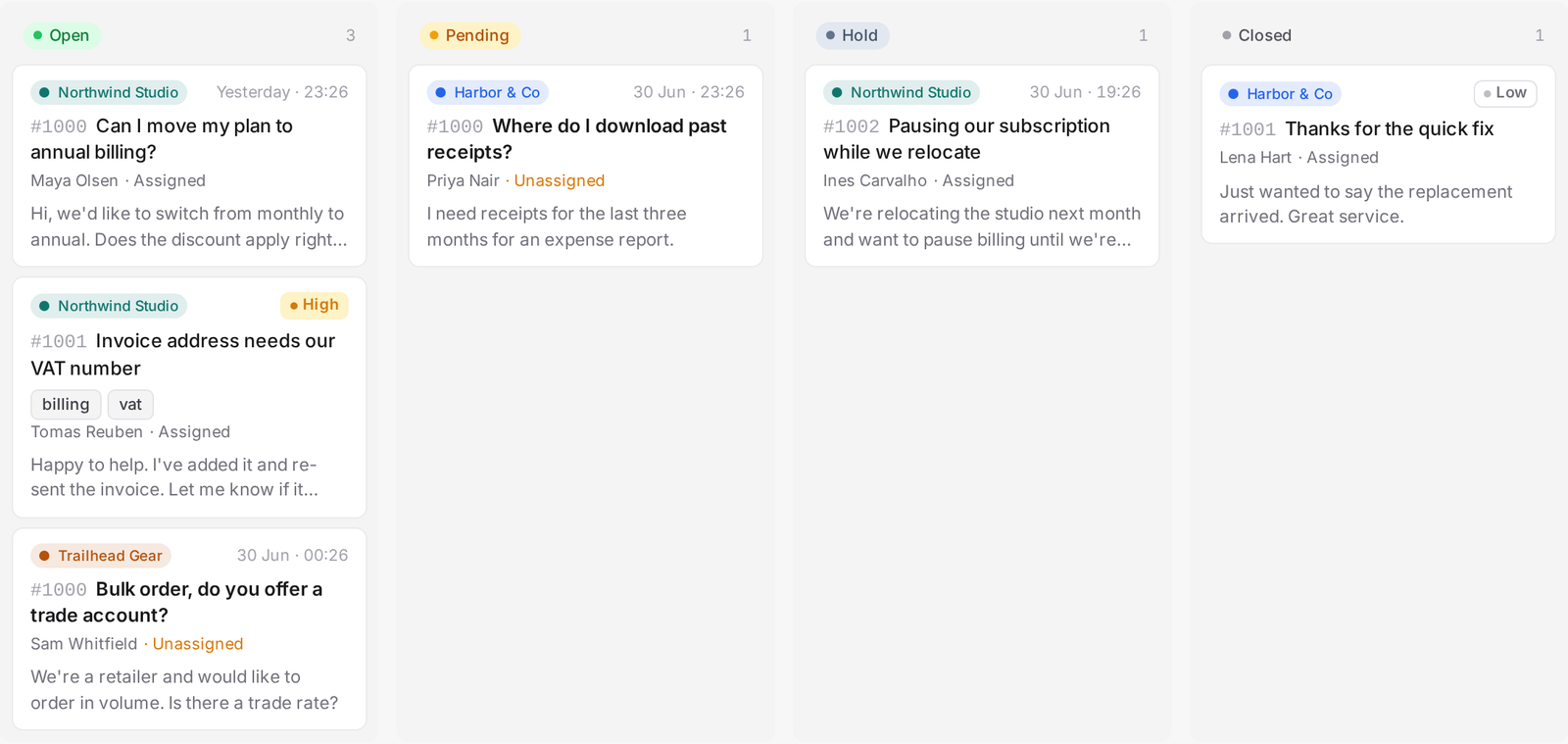
For a full list instead of a queue, go to /tickets. It has its own built-in views: My open, All, Unassigned, Past due, Today, and Suspended. Switch between a kanban board and a table, and narrow by brand, tag, or a custom field.

Tip: Up for grabs only shows unassigned tickets that are still unread. Once someone's opened an unassigned ticket without claiming it, find it again in the Unassigned view at /tickets/unassigned.