Search tickets
Search finds a ticket or a customer without leaving what you're doing. It sits in the top bar on every page, so it is always one click away.
One box, any page
Click the search box in the top bar from the inbox, a ticket, or anywhere else in the app, type what you're looking for, and open a result from the list.
What it understands
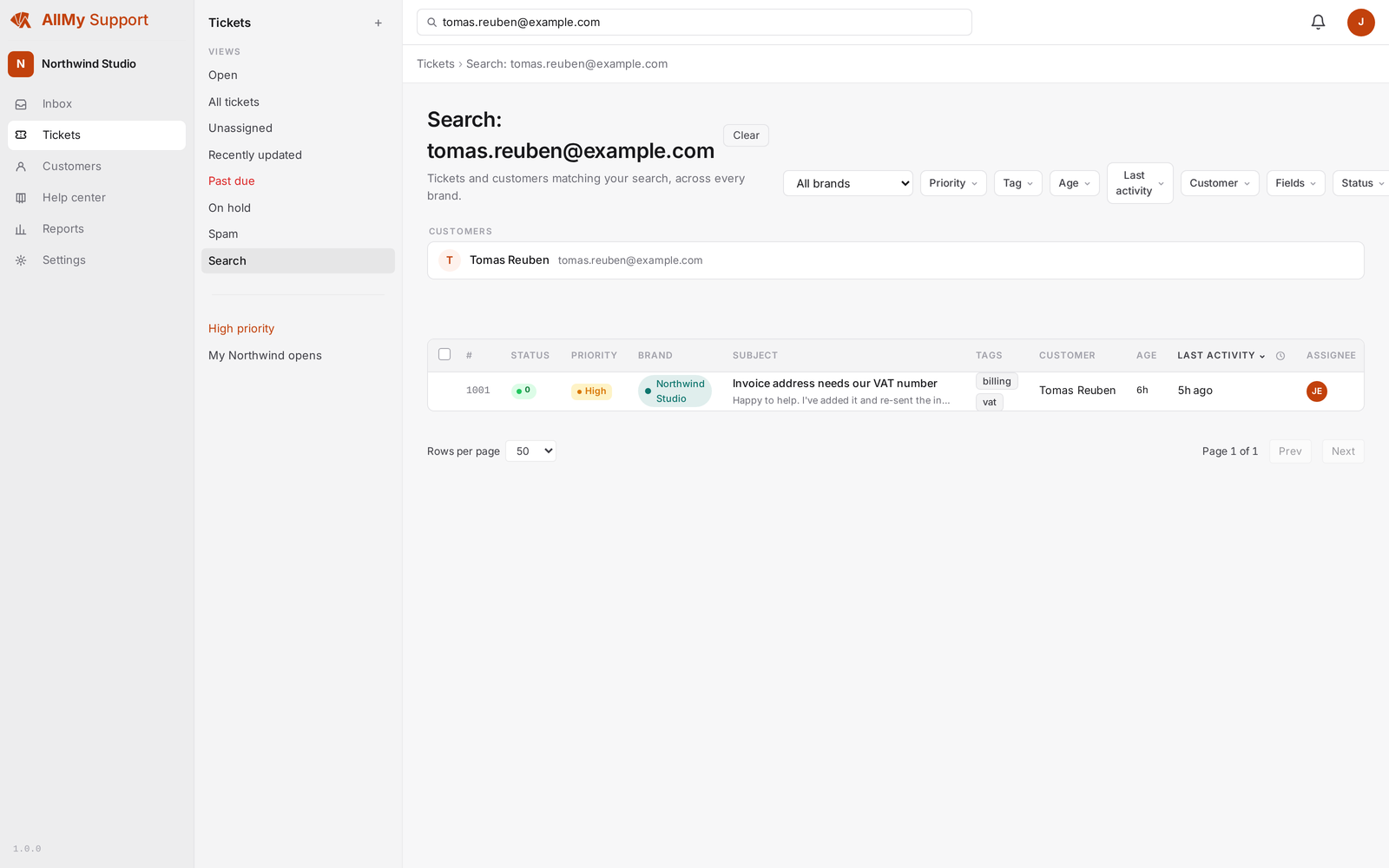
Type a ticket number to jump straight to it, a customer's email address to find their tickets, or a phrase or name to search subject lines and message text.
Customers too
Results aren't limited to tickets. Matching customers show up alongside them, so you can open a customer's record straight from the same search.
One search box handles tickets and customers together, so you rarely need to guess which one you're looking for before you start typing.