Email authentication
SPF, DKIM, and DMARC are DNS records that tell receiving mail servers your brand's replies are really coming from you. Without them, mail sent through your SMTP provider is more likely to land in spam.
What the built-in check covers
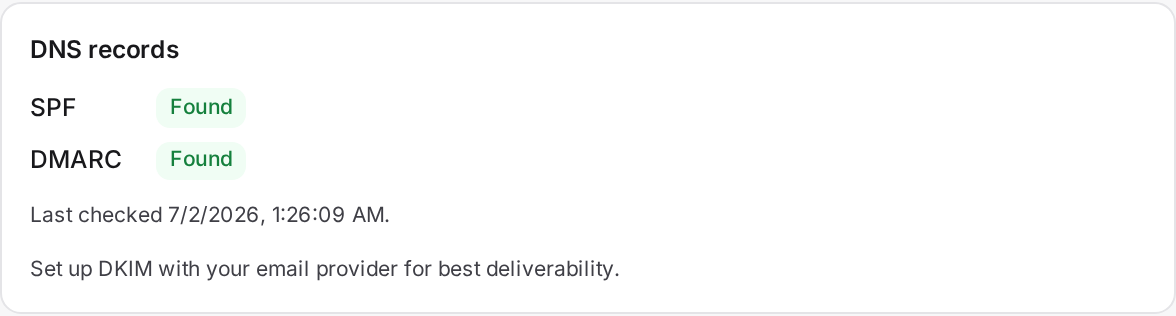
Brand → Outbound has a Verify DNS button. It checks that your domain has valid SPF and DMARC records. DKIM is set up separately, at your email provider, not verified by this check.
Records to add per sending domain
- DKIM: add the CNAME records your SMTP provider gives you. For example, Amazon SES's Easy DKIM provides three CNAME records to add at your DNS host.
- SPF: one TXT record on your domain, for example
v=spf1 include:amazonses.com ~all. A domain can only have one SPF record. - DMARC: a TXT record at
_dmarc.yourdomain.com, for examplev=DMARC1; p=none; rua=mailto:[email protected].
To verify your domain
- Add the DKIM CNAME records your provider gave you.
- Add your SPF and DMARC TXT records.
- In Brand → Outbound, click Verify DNS to confirm your SPF and DMARC records.
- Send a test.
Warning: a brand-new sending domain has no reputation with mail providers yet. Even with SPF, DKIM, and DMARC all in place, some early mail may still land in spam until your domain warms up.